
Set a small initial scope
Choose data with a stable structure, a known owner and an existing baseline report. One approved business view may be enough for the first connection. For each field, document its business meaning, unit, time type and whether users may see it.
Confirm which connection methods and database versions the deployment supports. A brand logo helps identify a source. Compatibility and authorization methods require their own checks.
Prepare an identity and connection details
- Create a dedicated read-only test identity and grant access to the objects required for the task.
- Confirm the network path from the application to the data source, along with encryption and certificate requirements.
- Configure credentials through a security process approved by the organization. Keep them out of screenshots, documents and web pages.
- Record the default database, time zone, character set and refresh frequency so environmental differences can be distinguished from query issues.
Check the connection at four levels
- To check connectivity, follow the connector's configuration guide to test reachability and authentication.
- To check structure, inspect the visible tables, fields, types and relationships. Look for objects that should be hidden.
- To check business results, reconcile row counts, key aggregates and null values for a fixed period with the baseline report.
- To check permissions, repeat the query with a second test identity and verify that row scope and sensitive fields are restricted as expected.
Distinguish an empty result from a failed query
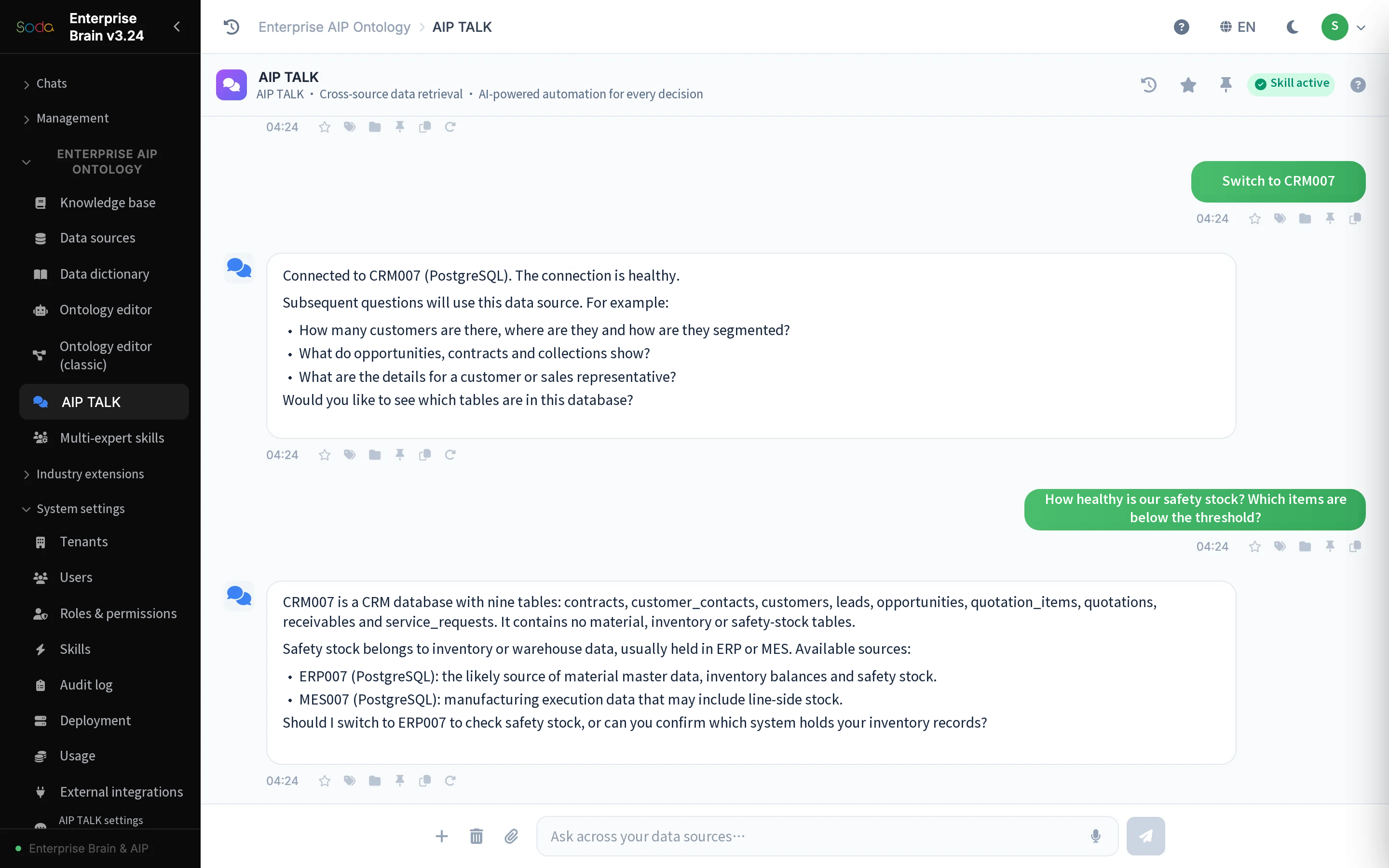
An empty result may mean no records match the period, or a status filter or access scope has changed. A failed connection needs a distinct execution status. A generic “No data” message obscures the difference. Check the source, then the filters, identity and refresh status.
When adding a second system, compare primary keys, business identifiers, organizational definitions and time fields. Even with a working connection, identically named fields can represent different business facts.